


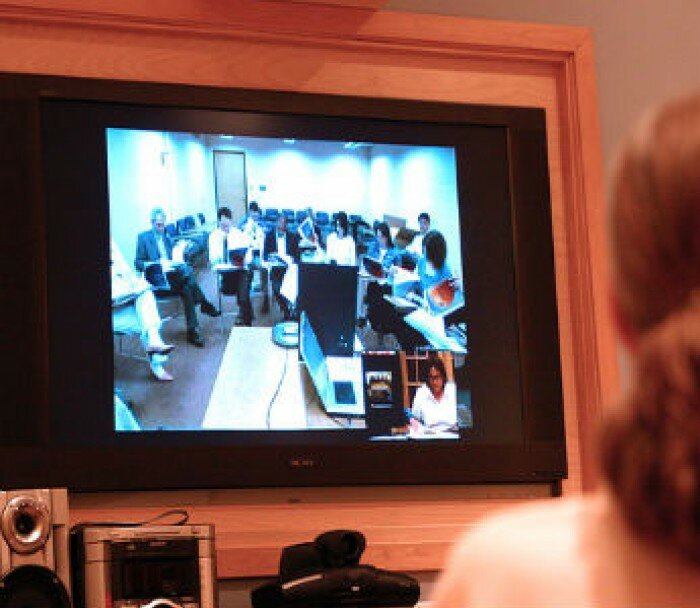
Photo courtesy of ThelmageGroup.
On June 22, 2011, we kicked off the 2011 Millennial Donor Summit (MDS11) — conducted exclusively online. A collaborative effort between Achieve, Johnson Grossnickle and Associates (JGA), and the Case Foundation, the virtual summit brought together more than 1,000 participants to spotlight the unique characteristics of the rising generation and help nonprofit executives attract and engage Millennials in their work.
This is the third in a four-part blog series which will culminate with the release of a white paper on further details of our experiences and lessons learned.
The success of a virtual summit is directly linked to a speaker’s ability to keep an unseen audience attentive and actively engaged throughout the session and the participant’s ability to identify and access what will be of most interest to them. Both sides have an important role to play when it comes to the success of a virtual convening and we’ve learned that there are several ways you can enhance their experience using this type of platform.
Speakers
It goes without saying that you should always try to schedule speakers well in advance and make sure they will be in a location that is conducive to presenting to a virtual audience on the day of the summit. Speakers may be quick to say yes to a virtual conference. After all, they figure they can simply participate from whatever city or hotel they happen to be in on that day. Beware however, the variables that this arrangement can produce such as sound, lighting and connectivity can (and will) backfire.
With that in mind, here are some tips for preparing your speakers:
- Ensure your speakers are comfortable communicating without a live audience: It’s important that speakers are able to able to keep the energy level high throughout the entire presentation, and doing so without an audience to react to can be a difficult feat. Just because a speaker has a dynamic presence in person, it may not come across that way if they're used to feeding off a live audience.
- Schedule time for an A/V check: Each speaker should do several run-throughs and at least one full A/V check one week prior to the event to make sure they familiarize themselves with any tools they may need to access on the day of the summit. This could also be a good time to come up with a “Plan B” scenario in case on the day of the event they encounter technical issues that they cannot address.
- Keep presentations to 15 minutes: After this, encourage speakers to open the session for Q&A for another 15 minutes. We made the mistake of scheduling sessions for far too long and ended up adjusting halfway through the day. A 30-minute session is about all that an online audience can tune into. Beyond 15 to 20 minutes you begin losing people to their email or other online distractions.
- Set-up a central location for speakers: We found it best to convene speakers in one area and set up a studio with professional video and sound equipment for them to use for their sessions. This worked well for speakers in DC, as we set up an informal studio at the Case Foundation.
Participants
For the majority of the more than 1,000 Summit participants, this was the first entirely virtual conference they had attended. With that in mind, it was important to have staff on hand the day of the conference to troubleshoot and ensure a good overall experience to help keep participants engaged and happy during the day.
- Schedule a participant A/V check: Since this is the first time many conference participants will be engaging in this format, it’s important to schedule a session one week before the conference so that participants can ensure they don’t have any issues with firewalls or other limitations that prevent them from hearing or seeing presentations.
- Email reminders: Send all registered participants reminders the day before and/or the day of the conference so they have the conference information (including their login and password) easily accessible.
- Incentivize participation: The ease of participating in an online summit (from the comfort of your office or home) can also be a curse. The curse comes in the form of distractions and the inevitable multi-tasking that we are all prone to do. Given this, organizers must find opportunities for audience participation when designing sessions and panels. Think creatively about giving door prizes during the Q&A or asking questions that encourage participants to weigh in and recognize them for their efforts.
Have you participated or presented at a virtual meeting? If so, what tips might you add to this list?
If you missed the first two posts in this series, A Virtual Convening—the Basics, or Keeping It Social you can still read it on the Case Foundation blog. Also, check back next week for Part 4 of the series as we highlight some of the most important takeaways that we learned from this experience.